Apostille & e-Apostille
What is an apostille?
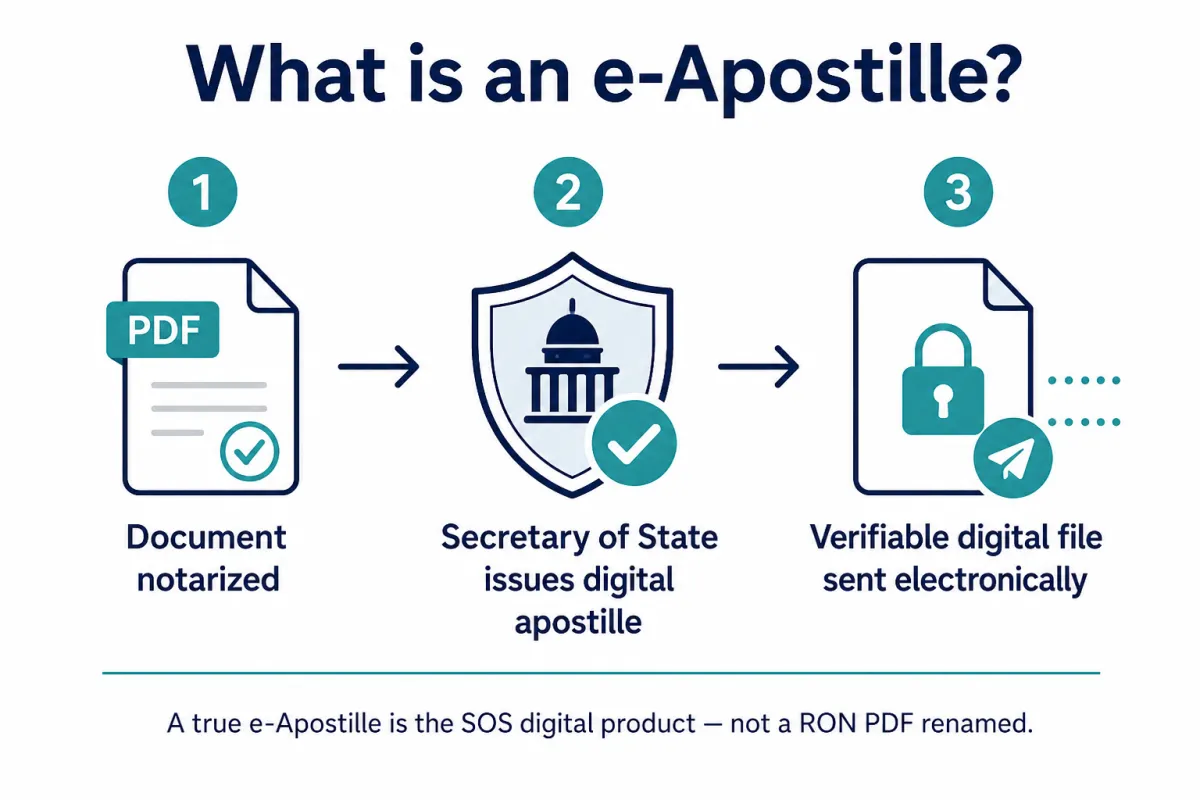
An apostille is a certificate from a state Secretary of State (or other Competent Authority) that helps a public document be recognized in another Hague Convention country. The notary on the video call does not issue the apostille — the SOS does.
More: https://primenotaryservice.net/apostille
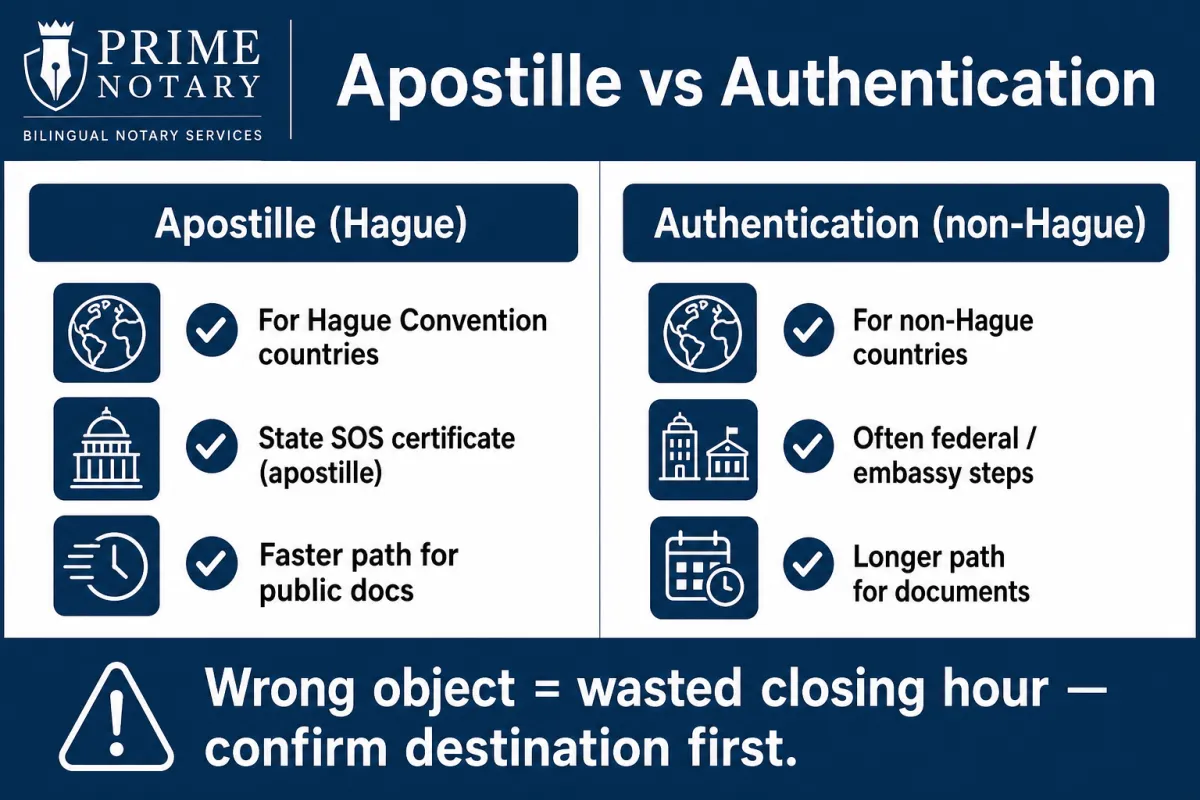
Apostille vs authentication — what’s the difference?
Apostille is for Hague destinations that accept the standard apostille certificate. Authentication (or embassy/legalization) is a different path — often for non-Hague destinations or federal documents. Wrong path can bounce at the receiving window. Email the destination country and PDF first: [email protected]
What is a true e-Apostille?
A true e-Apostille is the SOS’s own digitally signed apostille product — when that state issues one and the receiving desk will file a digital file. It is not a scan of a paper apostille, and it is not a notarized PDF with a new filename.
Explainers: https://primenotaryservice.net/what-is-e-apostille · https://primenotaryservice.net/e-apostille-vs-paper
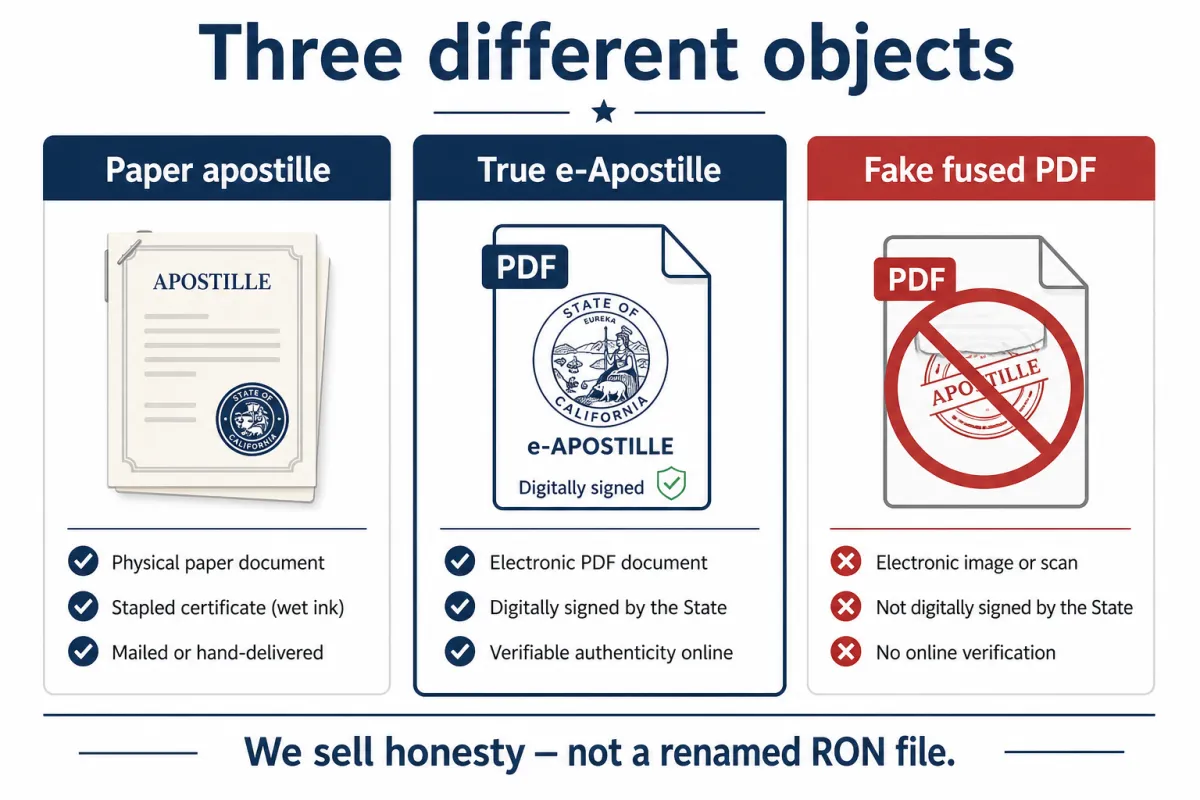
Paper apostille vs true e-Apostille vs “fused PDF”
• Paper apostille — physical SOS certificate, often stapled or attached to the document.
• True e-Apostille — SOS digitally signed apostille file the receiving desk accepts as digital.
• Fake fused PDF — a RON PDF, scan, or order confirmation sold as if it were an apostille. We do not sell this.
Do I RON first, then get the apostille?
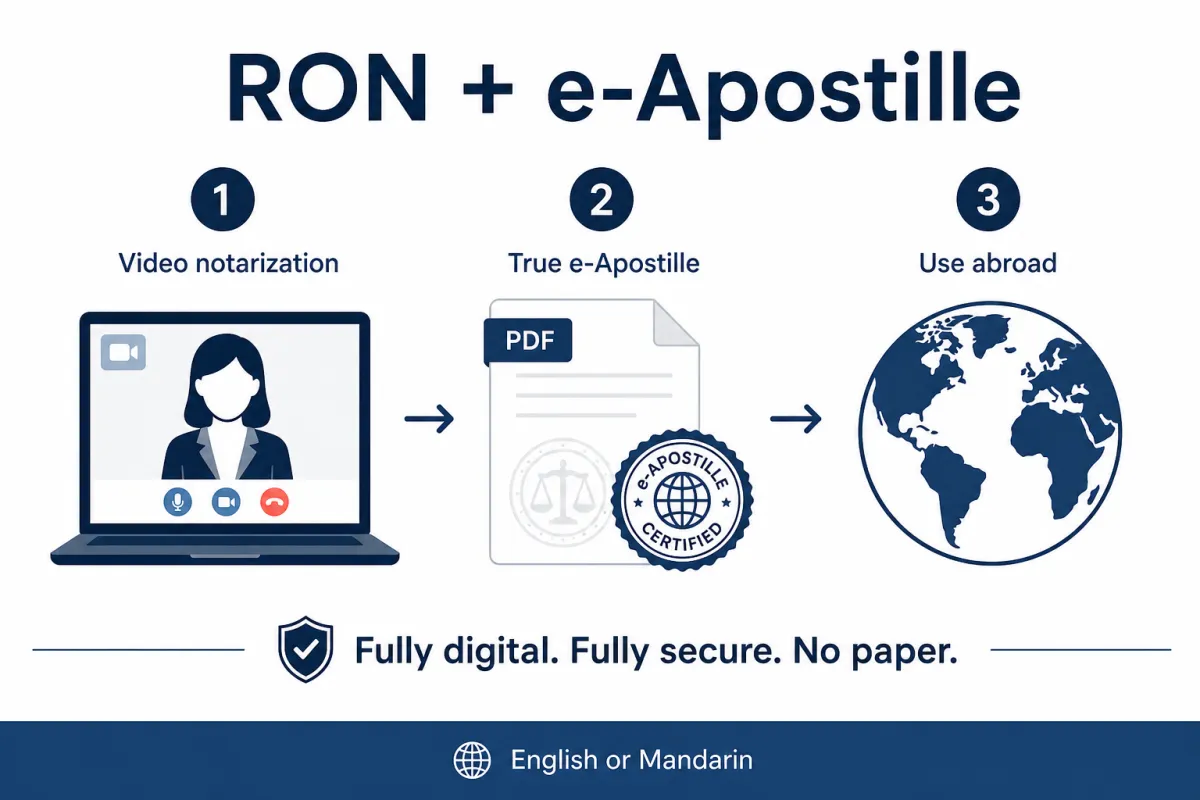
Often yes for private documents: remote online notarization first, then the correct SOS apostille (true e-Apostille when allowed; paper when the desk needs a wet certificate). Correct order: https://primenotaryservice.net/remote-online-notary-apostille
Can I do this in English or Mandarin?
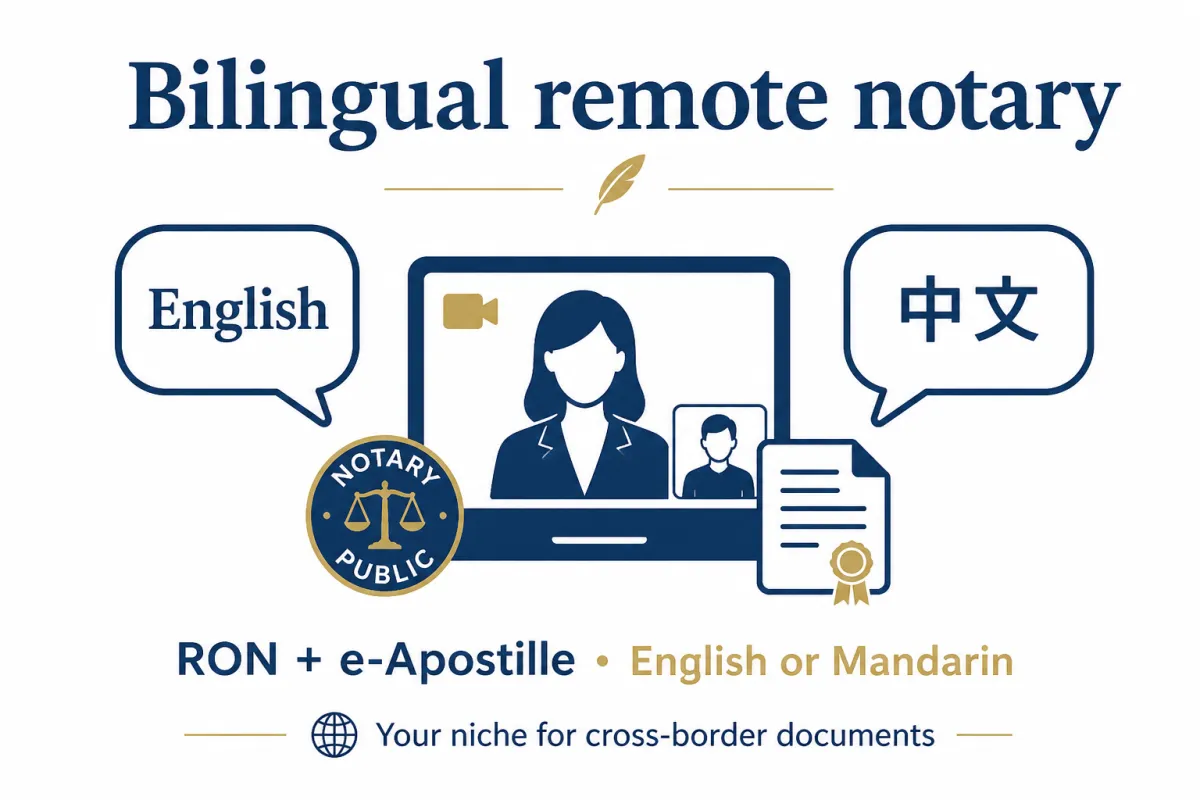
Yes. Sessions are available in English or Mandarin. Partner RONs cover other languages when needed. https://primenotaryservice.net/for-firms
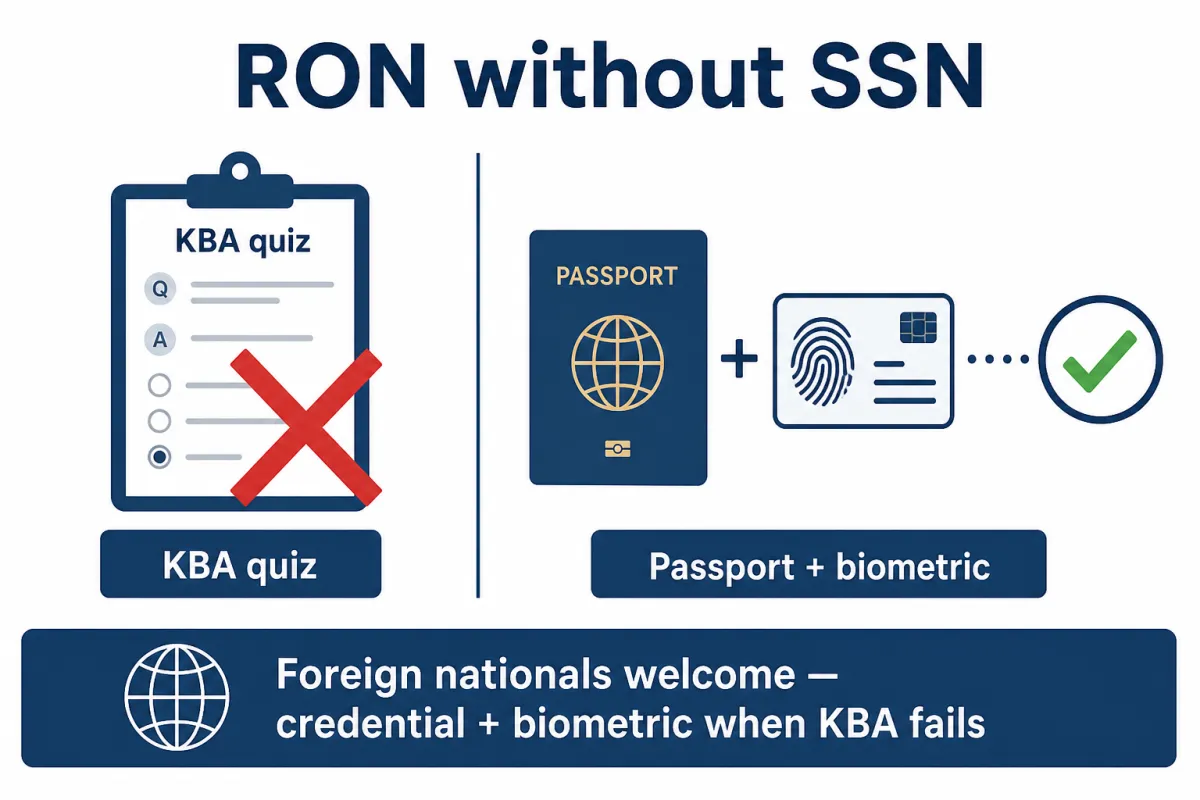
I have no U.S. SSN or I fail KBA. Can I still RON then apostille?
Yes — credential plus biometric identity path when the quiz fails or there is no SSN. Details: https://primenotaryservice.net/no-ssn-remote-online-notary
Does every state issue a true e-Apostille?
No. We route to the correct product for the destination desk. Honesty is the service.
What about Montana?
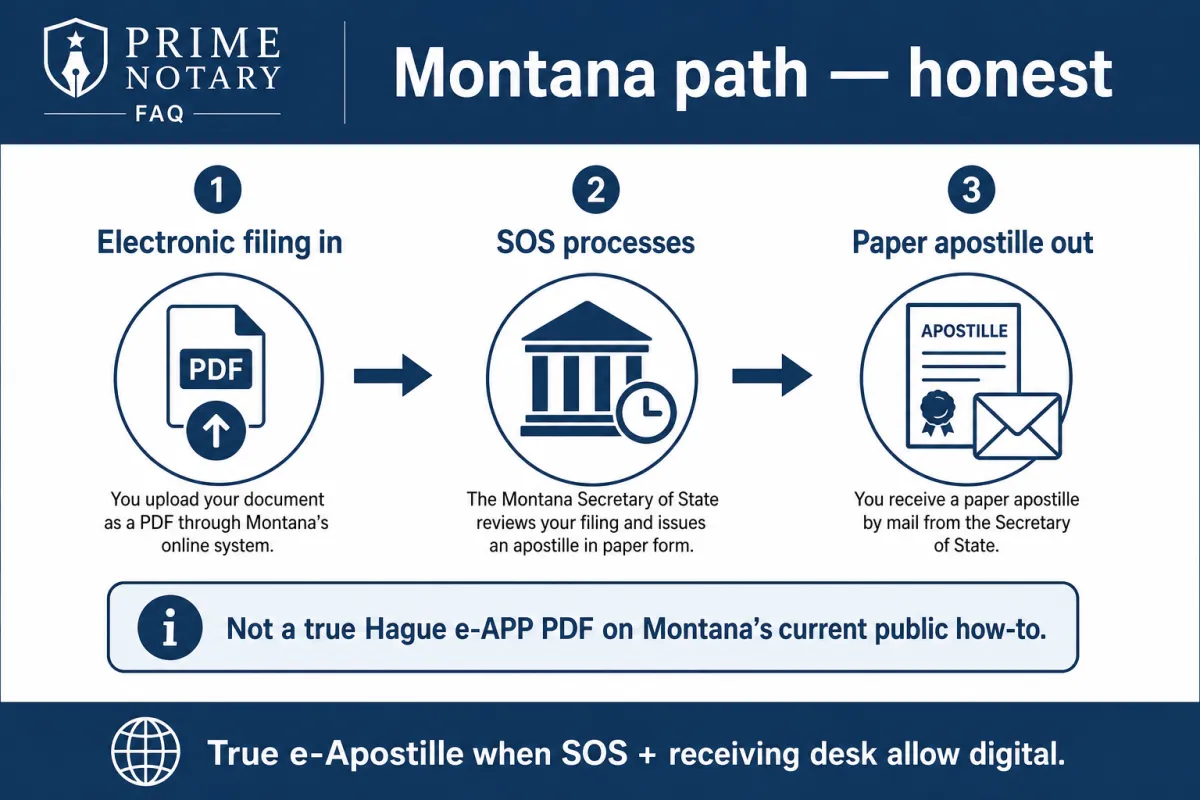
For many Montana-notarized RON or IPEN files, Montana’s current public how-to is electronic in, paper out — not a sold Montana Hague e-APP PDF inbox product. We will not sell a fake MT e-APP PDF. If your file needs paper, we say paper.
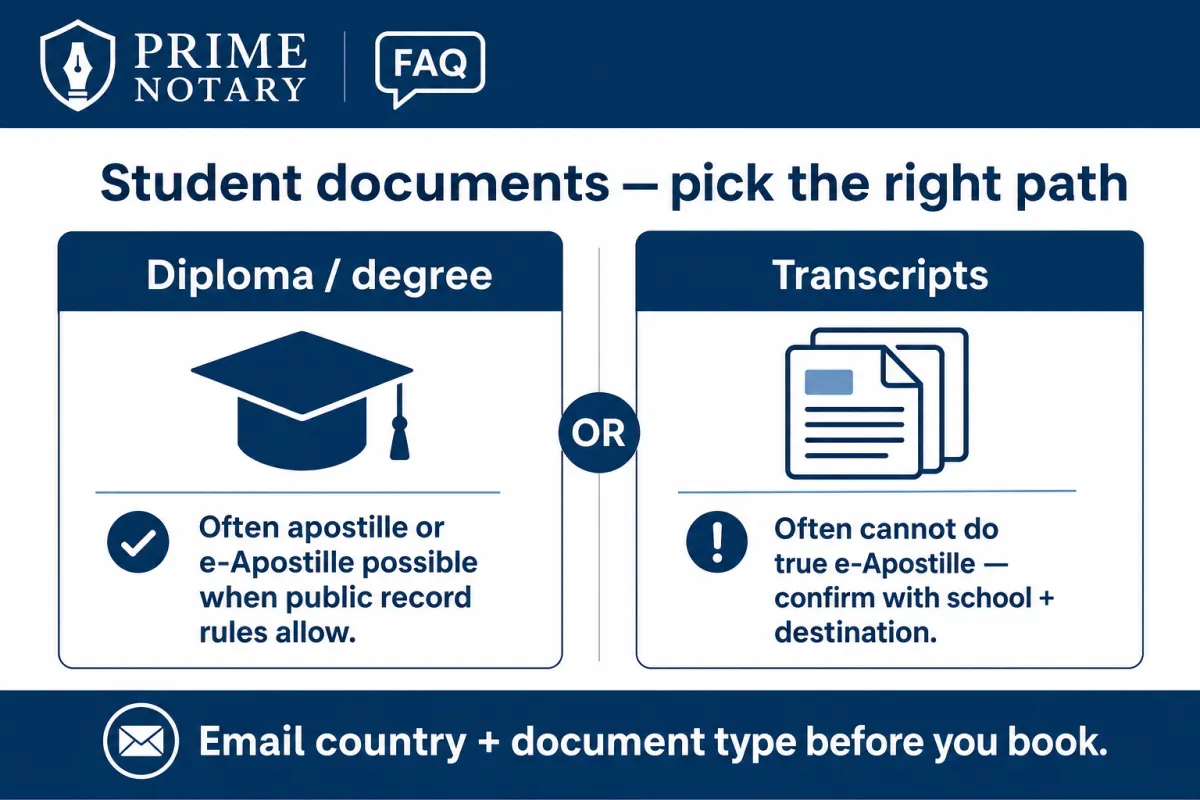
I’m a student, diploma, or transcript holder — is that RON then e-Apostille?
Not always. Transcripts (and often diplomas as school public records) frequently need the issuer or issuing-state SOS path — not a casual dorm RON to e-Apostille. Email country and PDF first. Student path: https://primenotaryservice.net/student-apostille
Where are prices?
Only on https://primenotaryservice.net/pricing. This FAQ does not list dollar amounts.
I’m a firm or company with a lot of RON and apostille work
Inquire about retainer desk: https://primenotaryservice.net/for-firms · Corporate: https://primenotaryservice.net/apostille-corporate
How do I start?
Email country, document type, and PDF to [email protected]
Or book an appointment: https://primenotaryservice.net/book-appointment · WhatsApp 406-607-9760 · WeChat Xiaoshionly
Amy (Xiaoshi) Gui · Nevada & Montana remote online notary · English / Mandarin · Prime Notary Service · primenotaryservice.net

What is Remote Online Notarization?
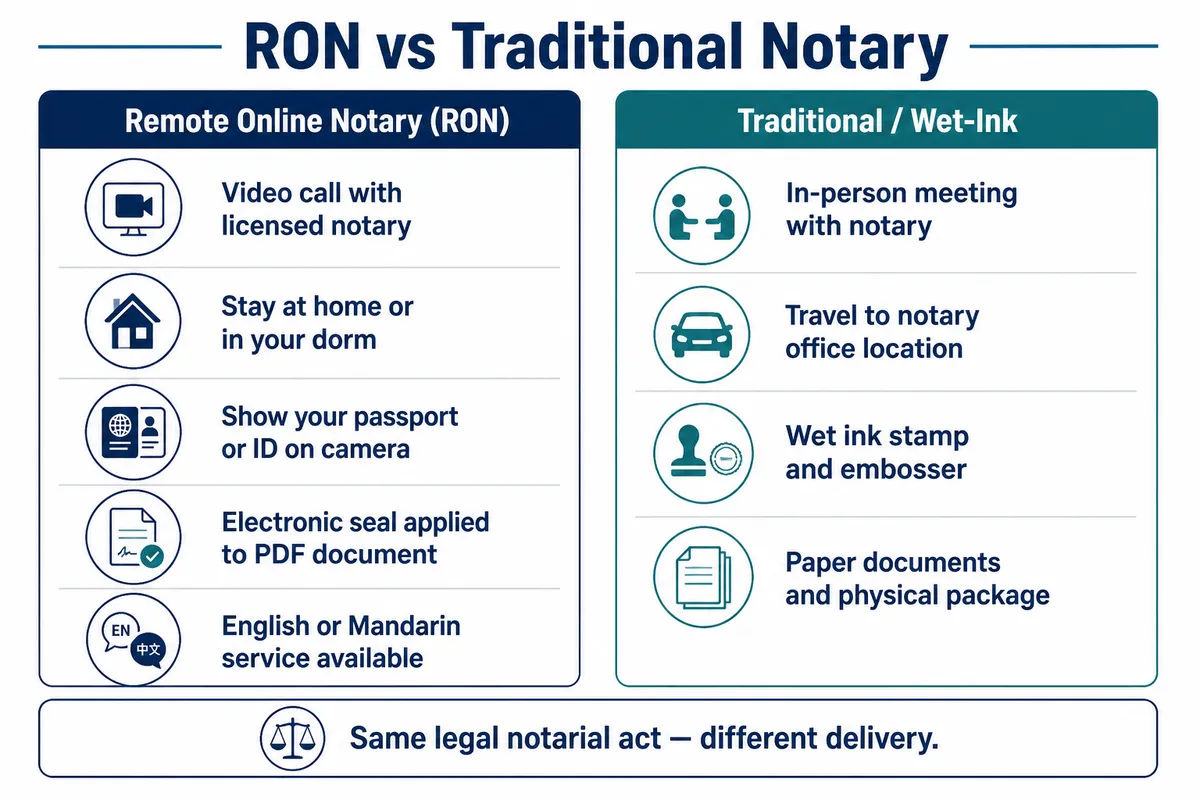
Remote Online Notarization (RON) is a process that enables individuals to complete a notarization remotely through an electronic device and secure internet connection, offering a convenient and efficient alternative to in-person notarization.
What are the requirements?
Identification
The signer must provide valid unexpired united states identification card showing proof of identity. This can include a drivers license, US passport, or state identification card. Permanent resident card and military ID is currently not accepted.
Electronic Device
Smartphone or a laptop computer is required to complete a remote online notarization. The signers electronic device will need audio/video capabilities to meet with the notary online in the RON platform. This is a state required regulation.
U.S. Related Business
As a responsible notary service provider, we have strict policies in place to ensure that we only notarize documents that are of US related only. We understand the importance of authenticity and credibility of a document and provide notarization services that are in line with the laws and regulations of the United States
Internet Connection
A reliable and secure internet connection is essential for a smooth remote online notary appointment. Make sure to have a strong and stable connection before your aFull Widthppointment to avoid any technical issues. We highly suggest the use of Google Chrome internet browser for best results.
Tips for a Successful
Remote Online Notary Appointment
At Prime Notary Service, we are committed to providing our clients with convenient and secure remote online notary services. To ensure a successful and seamless experience, we recommend that you follow these tips before your appointment:
Proper Electronic Device: Make sure that you have a proper electronic device that is equipped with a camera and microphone, such as a laptop, desktop computer, or tablet. This will ensure that you can effectively communicate with the notary during the appointment.
Secure Internet Connection: A reliable and secure internet connection is essential for a smooth remote online notary appointment. Make sure to have a strong and stable connection before your appointment to avoid any technical issues.
Preparing the Document: Before your appointment, make sure that the document you need to have notarized is properly formatted and ready to be signed. The notary will not be able to make any changes to the document during the appointment.
On-Time Arrival: Please make sure to arrive on time for your appointment. Being late may result in rescheduling, which can cause delays and inconvenience.
Proper Identification: You will be required to provide valid identification during the appointment. Please make sure to have a government-issued ID, such as a driver's license or passport, ready to show to the notary.
ach out to 406-607-9760 for assistance. We are here to help make your experience as seamless and stress-free as possible.
Amy (Xiaoshi) Gui
MENU
SOCIALS
© 2026 by Prime Energy, Inc